
How To Sell on Pulseheaven
Everything you need to know to sell on Pulseheaven.

Stripe onboarding
We partner with Stripe, one of the biggest payment processors in the world, to give you the most secure and seamless experience when selling.
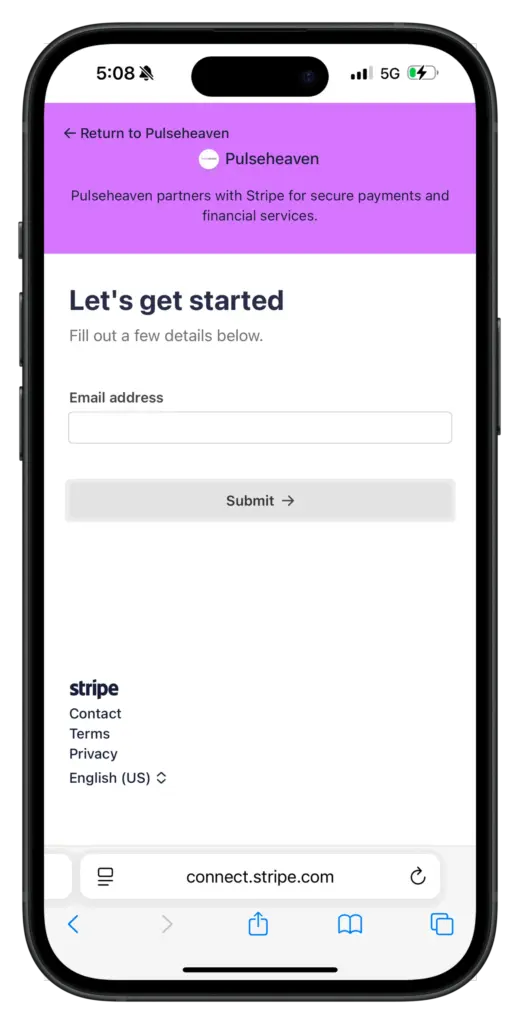
Before you start selling, you will need to complete the Stripe onboarding (takes 5–10 minutes) so that you can securely get paid every time you make a sale.
First, make sure your shipping and billing address is set in the settings tab, then head to the payments tab in settings and select Stripe under payment methods to begin onboarding.
Thumbnails
When uploading images of your item, make sure the thumbnail is a clear, front-facing, full body shot, with a minimal background. This is a must for our Virtual Try On and image enhancer to work properly.


Just sold an item 🎉 What now?
As soon as your item sells we will send you both an email and an on-site notification confirming the sale. You can find all of your sold items in the sold tab of the dashboard.

Shipping
After the sale, you have seven days to ship your item before it gets cancelled and the buyer is fully refunded. The faster you ship, the faster you get paid.
You can find the label in the sold tab order details for that specific order.
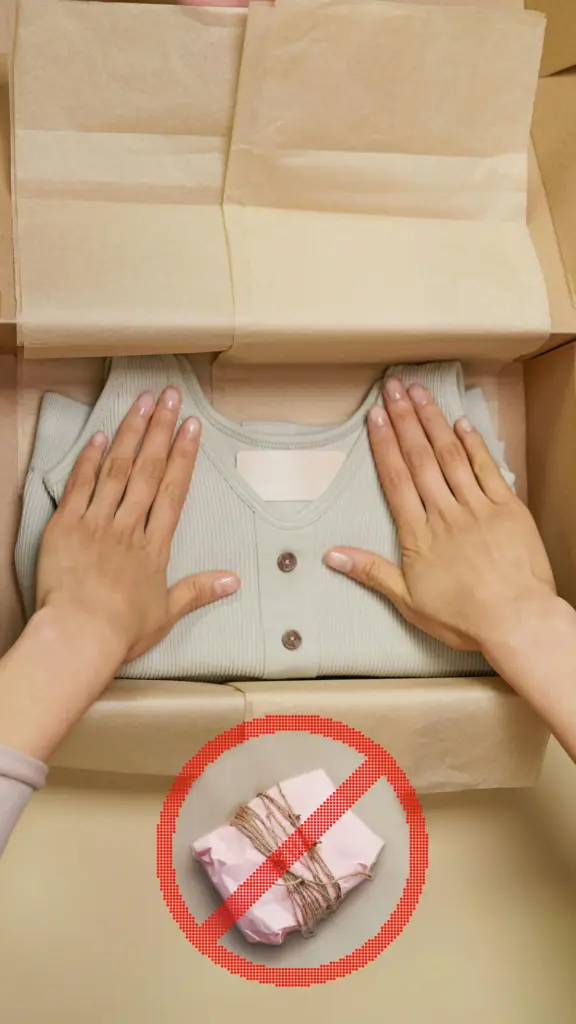
Package your item with care and precision to ensure a smooth transaction.
When do I get paid?
You’re paid right after a sale directly to your Stripe account, with funds releasing to your bank 3 days after delivery.
Within the 3 days after delivery, the buyer is able to file a dispute for reasons such as:
- Item significantly different from the listing description.
- Incorrect item received (wrong size, model, or color).
- Undisclosed damage or defects.
- Concerns regarding authenticity.
If the dispute is successful, the buyer will return the item and receive a full refund. Check out Pulse Protection for more info.